
Managing your money doesn’t have to feel overwhelming or boring. Today, there are plenty of free digital tools designed to help you track spending, build better habits, save more, and feel more in control of your finances without needing a finance degree. Whether you’re trying to organize your budget, understand where your money goes, or plan for the future, these tools make the process simpler, clearer, and surprisingly motivating.
1. Mint
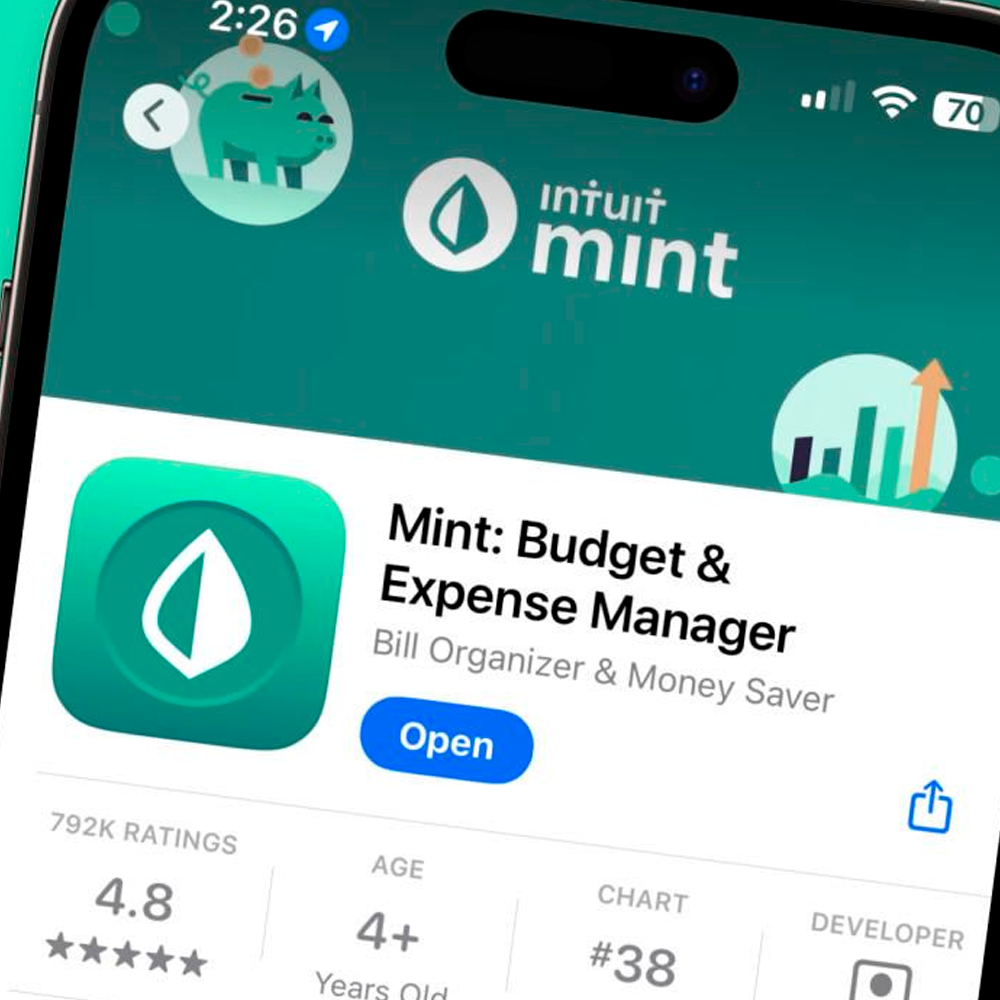
Mint connects directly to your bank accounts and credit cards to give you a full snapshot of your finances. It automatically categorizes your spending, tracks bills, and helps you set realistic monthly budgets so you always know where your money is going.
2. YNAB
While YNAB is a paid platform, it offers free budgeting resources and calculators that are incredibly useful. Their philosophy focuses on giving every dollar a purpose, which helps change how you think about money, not just how you track it.
3. Personal Capital

This tool is ideal if you want to see the bigger picture. It tracks your net worth, investments, cash flow, and retirement progress all in one place, making it perfect for long-term financial planning.
4. PocketGuard
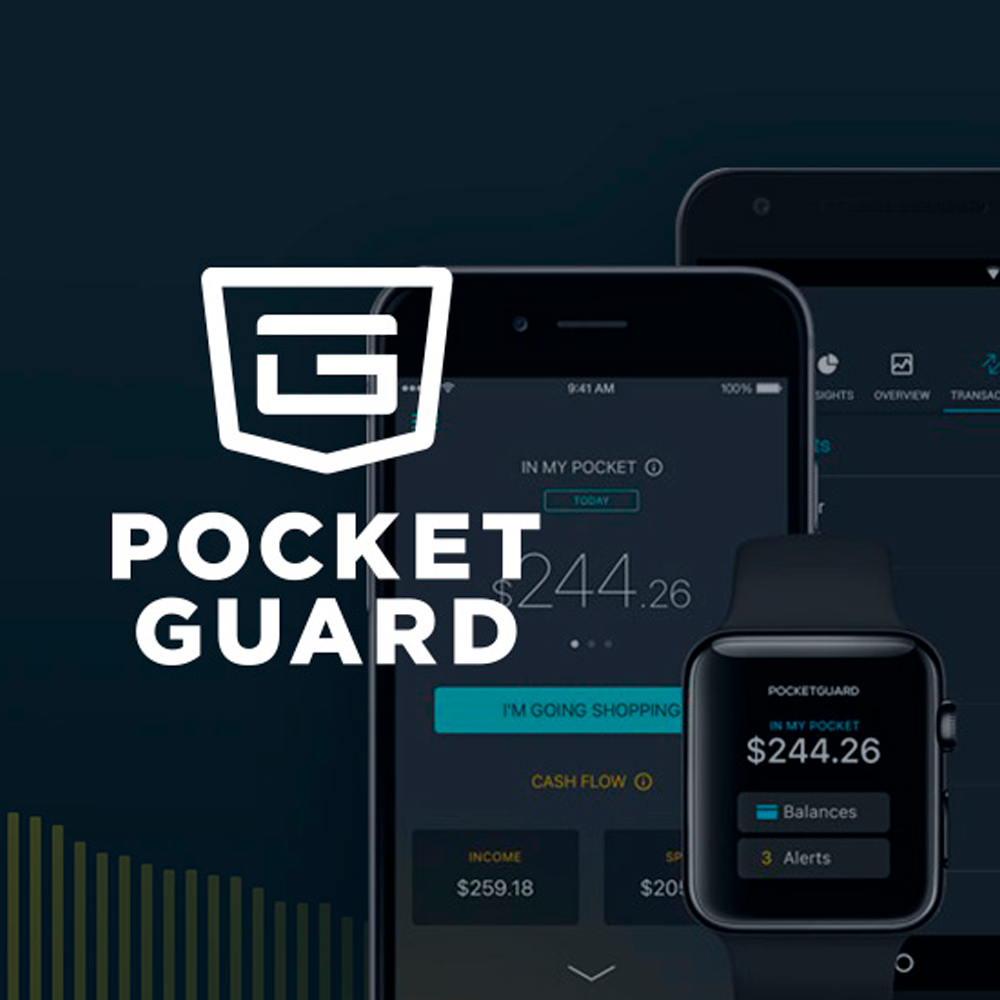
PocketGuard shows how much money you actually have available to spend after bills, goals, and necessities. It’s great for people who tend to overspend and want a simple, realistic view of their finances.
5. Goodbudget

Based on the envelope budgeting method, Goodbudget helps you plan your spending in advance. You assign money to different categories and stick to them, which makes it easier to avoid impulsive purchases.
Trending on Wealth Gang


6. Credit Karma
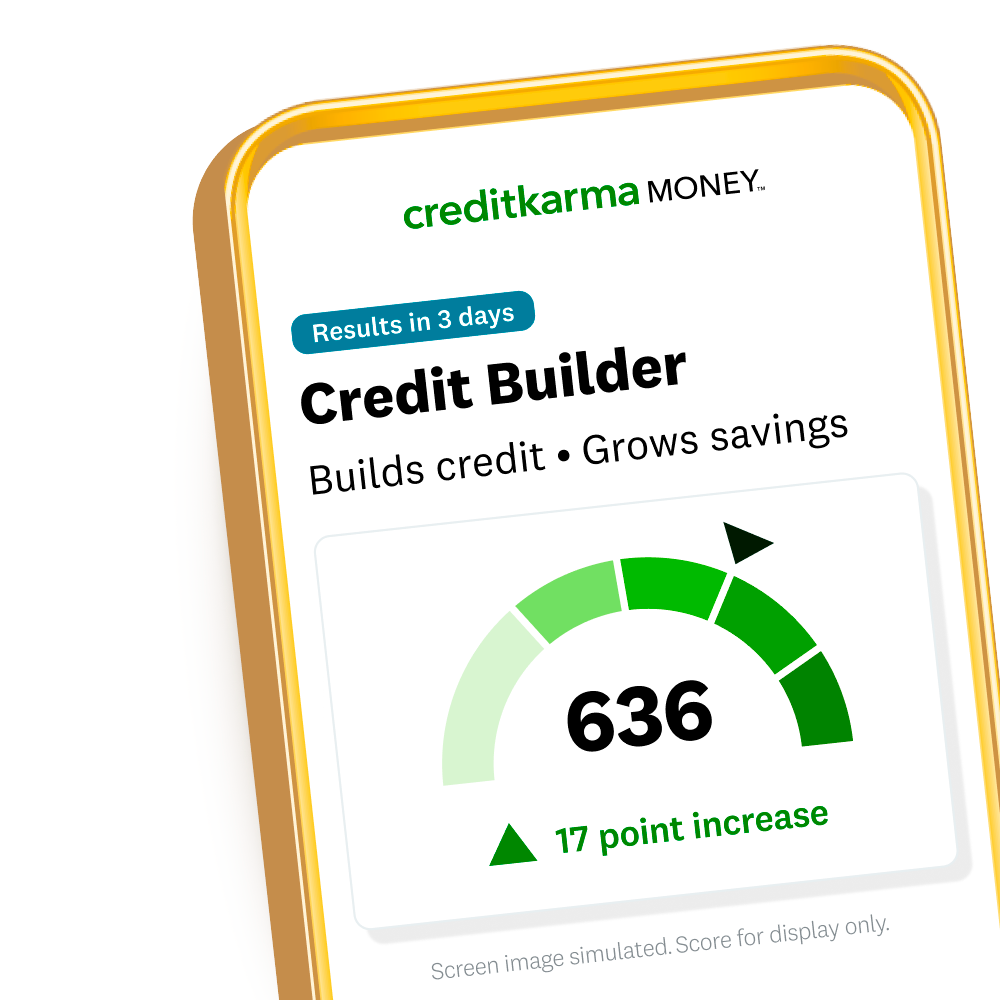
Credit Karma lets you monitor your credit score for free and explains what’s helping or hurting it. It also provides personalized suggestions to improve your credit over time, which is key for long-term financial health.
7. NerdWallet Calculators
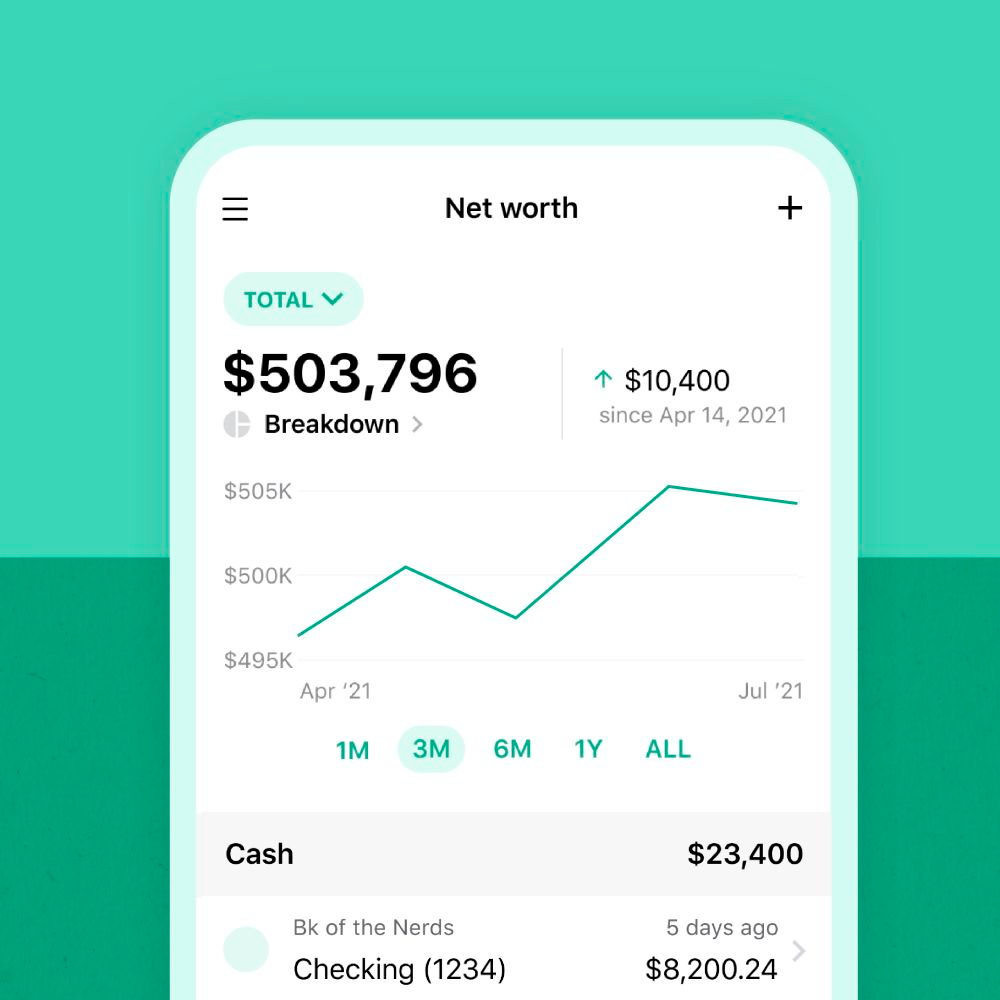
NerdWallet offers a wide range of free calculators for budgeting, savings, debt payoff, and retirement. They’re perfect if you want quick answers and projections without signing up for a full platform.
8. Honeydue

Designed for couples, Honeydue helps partners manage shared expenses and bills together. It allows both people to see spending patterns while keeping certain purchases private if needed.
Sign up for our newsletter
9. Spendee
Spendee is a visually appealing expense tracker that helps you monitor daily spending and set budgets. Its clean design makes financial tracking feel less stressful and more approachable.
10. Google Sheets Budget Templates
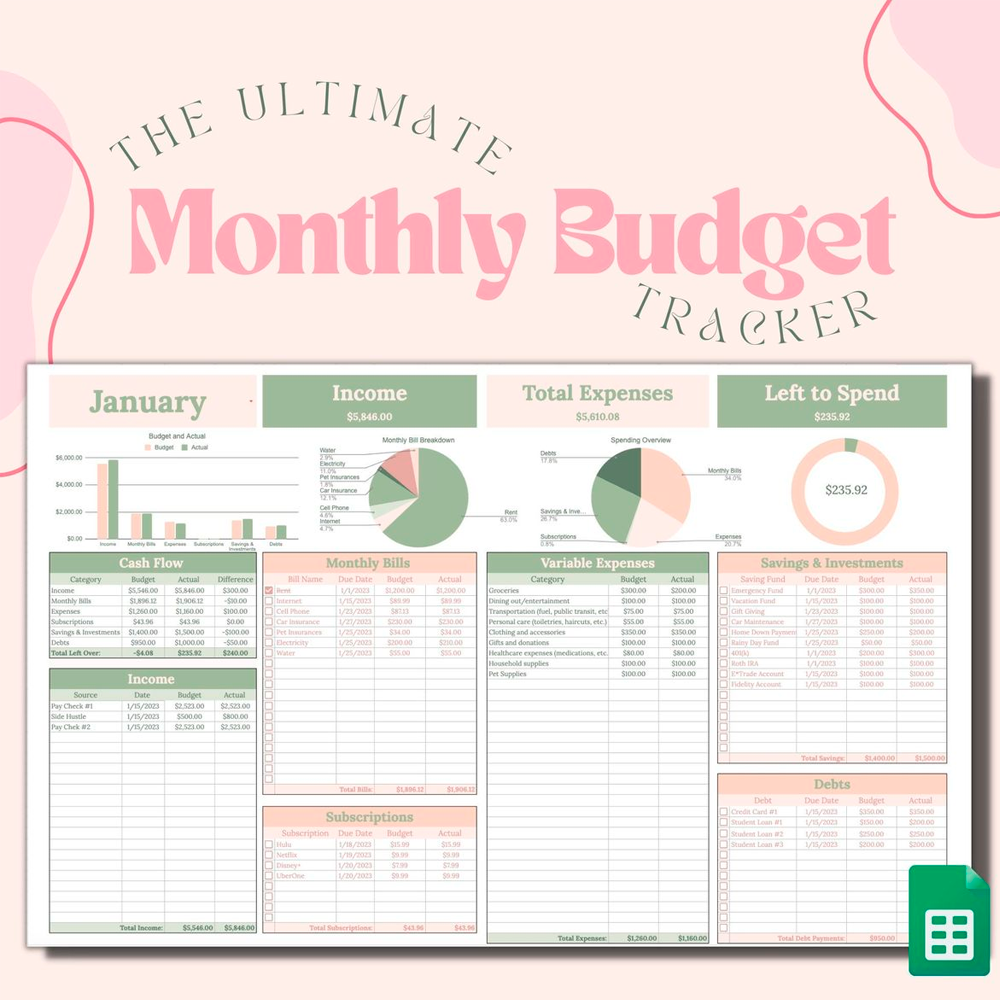
Sometimes simple works best. Free budget templates on Google Sheets allow you to fully customize your financial tracking, from monthly expenses to savings goals, all without sharing your data with third-party apps.
More Related Notes
-
20 Ways People Are Saving Money That Are Wildly Creative
This article highlights unconventional but effective strategies people use to manage finances without expensive tools or advisors. -
15 Ways the Concept of Wealth Is Changing
A broader perspective on how people now view money, stability, and financial well-being beyond traditional definitions of wealth.